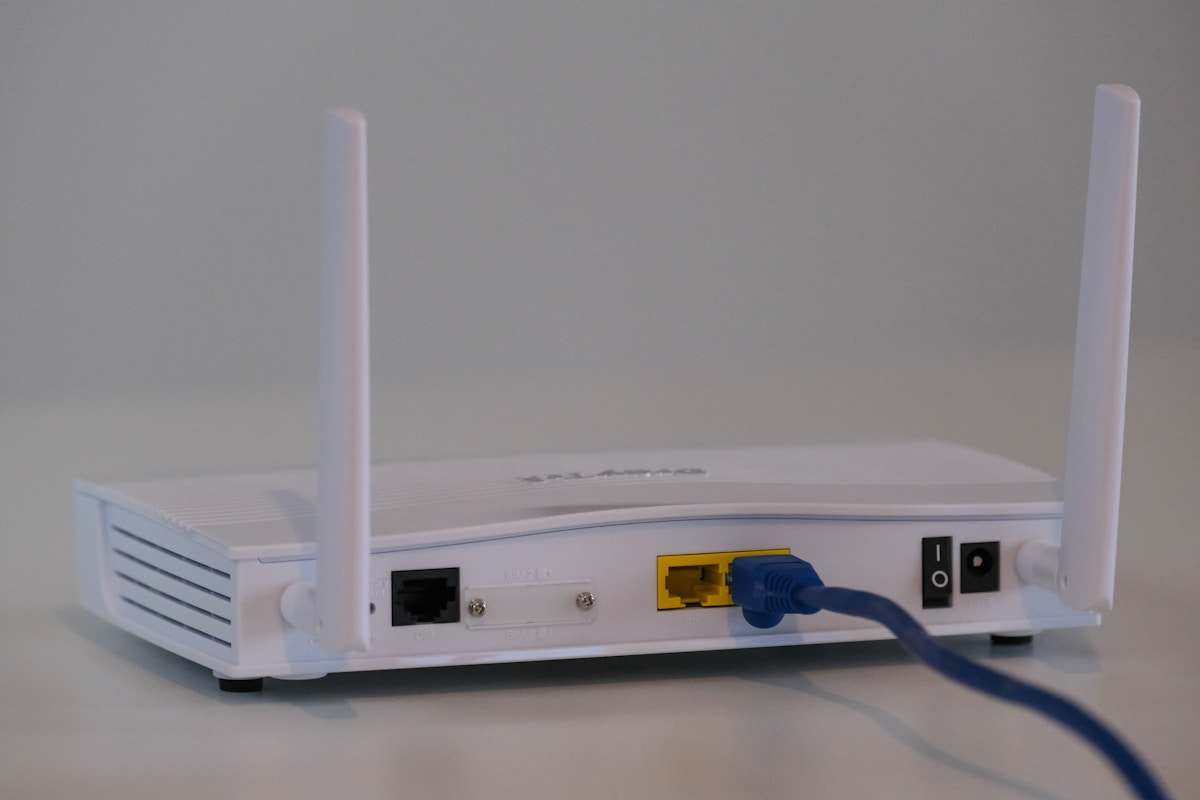
Bottom line: If you live in a small-to-average apartment and want the fastest single-room speeds for the money, a good traditional router still wins. If dead zones, multiple floors, or 25+ connected devices are your reality, mesh WiFi is worth the premium. Here's how to decide.
Your router is the single most important — and most ignored — piece of tech in your home. It touches every phone, laptop, TV, and smart plug you own. In 2026 the shelf is split into two camps: the classic single-box router that broadcasts from one spot, and mesh systems that blanket a home with two or three cooperating nodes. We ran both types through a 2,400 sq ft two-story house for six weeks to sort out which actually earns your money.
The Core Difference in 30 Seconds
A traditional router pushes your entire WiFi signal out from one location. Everything radiates from that box, so speeds are excellent nearby and fall off the farther (and more walls) you get. A mesh system splits the job across a main unit plus one or more satellite nodes that talk to each other, handing your devices off automatically as you move around. You keep a single network name across the whole house instead of hunting for a second signal or dragging a range extender into the mix.
Put simply: a router is a powerful spotlight; mesh is several softer lights working together to remove the shadows.
When a Traditional Router Wins
Single-box routers are still the smart default for a lot of homes, and not just because they're cheaper. In apartments, condos, and homes under roughly 1,800 sq ft on one level, a modern WiFi 6 router delivers higher peak speeds to nearby devices than a comparably priced mesh kit — because none of your bandwidth is spent on nodes chatting with each other.
- Best raw speed for the price — every dollar goes into one strong radio, not three modest ones.
- Enthusiast features — flagship routers like the ASUS RT-AX88U ship with eight LAN ports, advanced QoS, VPN servers, and gaming acceleration mesh kits often lock behind subscriptions.
- Wired backhaul friendly — if your rooms are already Ethernet-wired, a router plus access points can beat mesh outright.
When Mesh WiFi Wins
Mesh earns its premium the moment coverage becomes the problem instead of speed. If you've ever walked upstairs and watched a video buffer, tried to blanket a long ranch house, or added so many smart-home gadgets that your old router chokes, mesh is the cleaner fix.
- Whole-home coverage — two or three nodes erase dead zones in multi-floor and oddly-shaped homes.
- Seamless roaming — one network name, automatic handoff, no dropped video calls as you move between rooms.
- Painless setup — app-guided in minutes, which matters if you never want to open a router admin page again.
- Device-heavy homes — modern mesh handles 75+ simultaneous connections without the slowdowns older single routers show.
Rule of thumb: buy mesh for square footage and walls, buy a router for speed and control. Very few homes genuinely need both.
Coverage, Speed & Price Compared
Coverage: A strong single router realistically covers 1,500–2,000 sq ft before speeds sag. A two- or three-pack mesh kit is rated for 4,500–6,500 sq ft, and unlike a range extender it doesn't halve your throughput at the edge.
Speed: Close to the box, a flagship router usually posts the highest numbers. But averaged across an entire large home — bedrooms, basement, backyard — mesh delivers a more consistent floor, and consistency is what you actually feel day to day.
Price: This is where routers pull ahead. A capable WiFi 6 router runs about $80–$130. A two-node mesh kit starts around $130–$150 and a three-pack for a big house lands near $180–$250. You're paying for coverage hardware, not faster internet.
Our Top Picks in Each Camp
These are the four systems we'd actually spend our own money on in 2026 — two traditional routers and two mesh kits — with current Amazon pricing.

TP-Link Deco X55 AX3000 WiFi 6 Mesh System (3-Pack)

Amazon eero 6+ Dual-Band Mesh WiFi 6 System (3-Pack)

ASUS RT-AX88U AX6000 Dual-Band WiFi 6 Gaming Router (8 Ports)

TP-Link Archer AX55 AX3000 Dual-Band WiFi 6 Router
✓ Choose Mesh If
- ✓ Your home is over ~2,000 sq ft or multi-floor
- ✓ You battle dead zones or dropped video calls
- ✓ You run 25+ smart-home and streaming devices
- ✓ You want app-guided setup and one network name
✕ Choose a Router If
- ✕ You live in an apartment or single-level home
- ✕ You want the most speed per dollar
- ✕ You value ports, QoS, and manual control
- ✕ Your rooms are already wired with Ethernet
How to Decide in Under a Minute
Walk to the farthest corner of your home from where your internet enters and check your phone's signal. If it's strong, a single quality router is all you need — put the savings toward faster internet. If it drops to one or two bars, or you have to switch to a different network upstairs, mesh will fix that instantly. Renters and small-space dwellers should start with a router like the Archer AX55; homeowners with square footage and walls should go straight to a Deco or eero three-pack.
Mesh for coverage, router for speed and value
There's no universal winner — there's a winner for your floor plan. Most apartments and one-story homes are best served by a strong single router that costs less and hits higher peak speeds. Larger, multi-floor, device-heavy homes should pay the mesh premium to kill dead zones for good. Buy for the problem you actually have, not the biggest number on the box.
Frequently Asked Questions
🔥 See Today's Best Deals
We track prices on 500+ products daily. Check live prices, price history, and exclusive coupons.
Browse All Deals →Affiliate Disclosure: TechDealsGo earns a commission when you purchase through our Amazon links (tag: nasiralisyed-20). This does not affect your price or our recommendations. Learn more →