Bottom line: Both are excellent $50 4K streaming sticks. Buy the Fire TV Stick 4K Max if you want the fastest hardware, Wi-Fi 6E, and deep Alexa control. Buy the Roku Streaming Stick 4K if you want the simplest, most neutral interface that treats every app the same.
These two sticks dominate the sub-$60 streaming market, and on paper they look almost identical: 4K HDR, voice remote, tiny HDMI dongle. But they take very different philosophies. We ran both on the same 4K TV and a 300Mbps connection for two weeks to see where the differences actually show up in daily use.
At a Glance: Specs Compared
Here's how the two stack up on the hardware and features that matter most before we get into how they actually feel to use.
| Feature | Fire TV Stick 4K Max | Roku Streaming Stick 4K |
|---|---|---|
| Max resolution | 4K HDR10+, Dolby Vision | 4K HDR10+, Dolby Vision |
| Wi-Fi | Wi-Fi 6E | Wi-Fi (dual-band, no 6E) |
| Storage | 16GB | ~4GB usable |
| Interface | Content-forward (promotes Prime) | Neutral, app-first grid |
| Voice assistant | Alexa (full smart-home control) | Roku Voice (basic search) |
| Live TV hub | Fire TV Channels | The Roku Channel (free live TV) |
| Typical price | $59.99 | $49.99 |
Interface & Everyday Experience
This is the biggest real-world difference. Roku's home screen is a plain grid of app tiles — Netflix, Disney+, YouTube, whatever you've installed — arranged however you like. It doesn't push its own content at you, and it treats every streaming service equally. It's the closest thing to a "neutral" streaming OS, and it's the reason Roku remains the go-to recommendation for people who just want to press one button and watch.
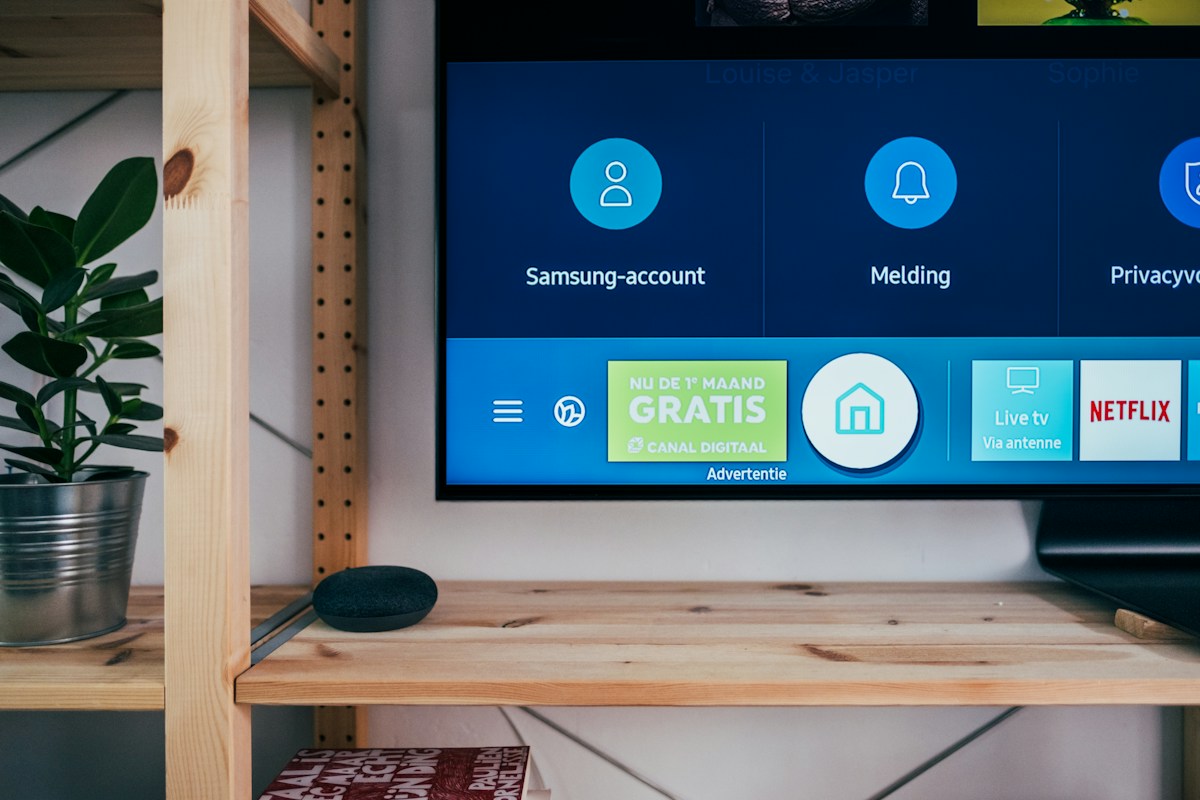
Fire TV's interface is busier. The home screen is a content carousel that leans heavily on Prime Video and Amazon's own recommendations, with a banner ad up top. If you're an Amazon Prime subscriber, that integration is genuinely useful — your watchlist, rentals, and Prime catalog are front and center. If you're not, it can feel like the device is constantly trying to sell you something.
Rule of thumb: Roku gets out of your way; Fire TV tries to be your way. Neither is wrong — it depends on what you want from a home screen.
Speed & Performance
The Fire TV Stick 4K Max is the faster device, full stop. It has a quicker processor, 16GB of storage, and Wi-Fi 6E — the newest standard — which helps in homes with lots of connected devices or a compatible router. Apps launch a beat quicker, and menus scroll with less lag. The extra storage also means you can install more apps and games without hitting a wall.
The Roku Streaming Stick 4K is no slouch for streaming — video starts fast and playback is rock-solid — but its menus can feel slightly slower, and its limited storage means you'll occasionally uninstall a channel to make room. For pure video watching, most people won't notice the gap. For a snappier all-around interface, the Fire TV Max wins.
Ecosystem & Smart Home
If you already own Echo speakers or Alexa-compatible smart devices, the Fire TV Stick 4K Max is the obvious pick. Its remote has a real microphone and Alexa can dim your lights, show your Ring doorbell feed on the TV, or answer questions — all from the couch. Roku Voice, by contrast, is mostly limited to finding and launching content.
Roku's counter-advantage is The Roku Channel, one of the best free ad-supported streaming (FAST) hubs around, with hundreds of live channels and a large free movie library baked right in. Fire TV has a similar free-TV section, but Roku's is more polished and easier to browse.
Which One Is Right for You?
✓ Buy the Fire TV Max if…
- ✅ You use Alexa or Echo devices
- ✅ You're an Amazon Prime subscriber
- ✅ You want the fastest hardware & Wi-Fi 6E
- ✅ You install lots of apps/games
✗ Buy the Roku if…
- 👍 You want a simple, neutral home screen
- 👍 You don't want ads pushing content
- 👍 You love free live TV (The Roku Channel)
- 👍 You want to save $10
Still torn? If you're building an Amazon-centric setup or want the most future-proof hardware, go Fire TV Max. If you want the least friction and the cleanest experience for the whole household, go Roku. You genuinely can't make a bad choice at this price.

Amazon Fire TV Stick 4K Max (Wi-Fi 6E, 16GB)

Roku Streaming Stick 4K (4K HDR, Dolby Vision, Voice Remote)

Amazon Fire TV Stick 4K (Standard, Wi-Fi 6)
Fire TV Stick 4K Max vs Roku Streaming Stick 4K
For most buyers we lean slightly toward the Fire TV Stick 4K Max — it's faster, has Wi-Fi 6E and more storage, and the Alexa integration is a real quality-of-life upgrade if you have any Echo devices. But the Roku Streaming Stick 4K is the better pick for anyone who prizes a clean, ad-light, no-nonsense interface and wants to save $10. Both are top-tier 4K sticks; choose based on the ecosystem you're in.
Frequently Asked Questions
🔥 See Today's Best Deals
We track prices on 500+ products daily. Check live prices, price history, and exclusive coupons.
Browse All Deals →Affiliate Disclosure: TechDealsGo earns a commission when you purchase through our Amazon links (tag: nasiralisyed-20). This does not affect your price or our recommendations. Learn more →